Introduction
Creating a landing page can feel daunting, especially if you don’t have coding skills. But don’t worry! With today’s tools, anyone can do it. Here’s how you can create a landing page that looks professional, and captures leads effectively.
1. Choose a Platform
User-Friendly Platforms
There are many platforms designed specifically for people without coding skills. These platforms use drag-and-drop features, making the process easy and intuitive.
- Example: Try using Wix, Squarespace, or Leadpages. These platforms offer various templates to get you started.
2. Plan Your Landing Page
Define Your Goal
First, decide what you want to achieve with your landing page. Are you capturing emails? Promoting a product? This will guide your design.
- Example: If capturing emails is your goal, make your call-to-action (CTA) very prominent.
Create a Wireframe
Sketch a simple layout of your landing page. This helps visualize where everything will go.
- Example: You can use tools like Sketch or just draw it out on paper.
3. Design Your Landing Page
Use Templates
Start with a template that matches your needs. Customize it to fit your brand.
- Example: Choose a template with a strong CTA section if that’s your goal.
Add Visuals
High-quality images and videos make your page look professional and engaging. Example: Use free image sites like Unsplash or Pexels for high-quality visuals.
Key Elements to Include
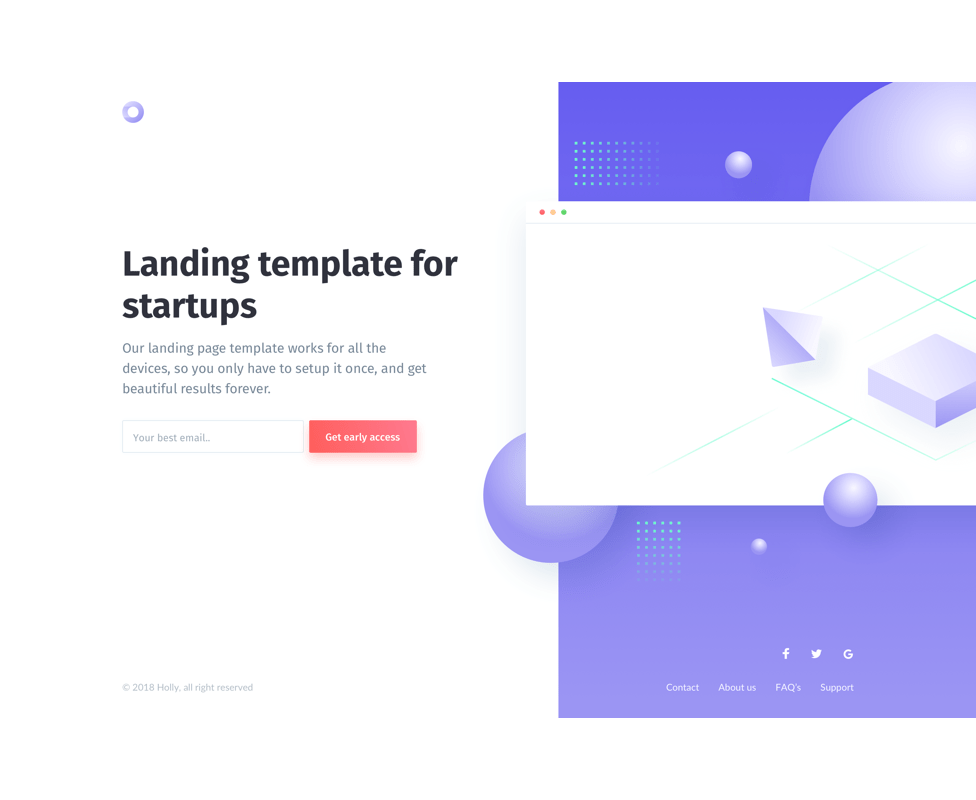
Headline: Grab attention with a strong, clear headline. Example: “Unlock Your Potential with Our Online Courses”
Sub headline: A brief description to support your headline. Example: “Join thousands of learners who are taking the next step in their careers.”
Call-to-Action (CTA): Direct users to take the desired action. Example: “Sign Up Now” or “Get Started Today”
Form: Collect user information, like email addresses. Example: A simple form asking for a name and email address.
4. Optimize for SEO
Keyword Research
Identify the keywords your target audience is searching for and use them in your content.
- Example: Tools like Google Keyword Planner can help you find relevant keywords.
On-Page SEO
Title Tag: Include your main keyword in the title. Example: “Best Online Courses for Career Growth | Your Site Name”
Meta Description: Write a compelling meta description with your keyword. Example: “Discover the best online courses designed to help you achieve career success. Sign up today!”
Header Tags: Use H1, H2, H3 tags to structure your content. Example: Your headline should be an H1 tag, sub headlines H2, and so on.
Alt Text for Images: Include descriptive alt text with keywords for all images. Example: “Online course platform interface”
5. Publish and Test
Preview and Test
Before you publish, preview your landing page to ensure everything looks and works as expected.
- Example: Check for broken links, spelling errors, and make sure it looks good on mobile devices.
A/B Testing
Conduct A/B testing to see which version of your landing page performs better.
- Example: Test different headlines, CTAs, or images to see which one generates more conversions.
6. Monitor and Optimize
Use Analytics
Track your landing page’s performance using analytics tools.
- Example: Google Analytics can show you how many people are visiting your page and what actions they are taking.
Continuous Improvement
Regularly update and optimize your landing page based on the data you collect.
- Example: If a certain CTA isn’t performing well, try changing the text or its placement.
Conclusion
Creating a landing page for your business without any coding skills is completely doable with the right tools and a clear plan. By choosing a suitable platform, planning your layout, optimizing for SEO, and continuously testing and improving, you can create an effective landing page that helps you reach your business goals.
Bu konuda daha önce hiç bu kadar net bilgi görmemiştim.
ReplyDelete